


(Autokit) CPC200-CCPA دونجل CarPlay اللاسلكي لوحدة رأس ما بعد البيع التي تعمل بنظام Android
GUARANTEED SAFE CHECKOUT
☑︎ Free Online Upgrade
☑︎ 30-Day Returns
☑︎ 1-Year Warranty
أخبار جيدة: تم إصدار إصدار Autokit! يدعم Carlinkit CPC200 CCPA كلًا من CarPlay اللاسلكي و Android Auto اللاسلكي.
✅ CarPlay اللاسلكي
اربط جهاز الآيفون الخاص بك بالمركبة واستخدم CarPlay و Mirrorlink والعديد من الوظائف الأخرى. اجعل شاشة الأندرويد متوافقة مع Apple CarPlay اللاسلكي.
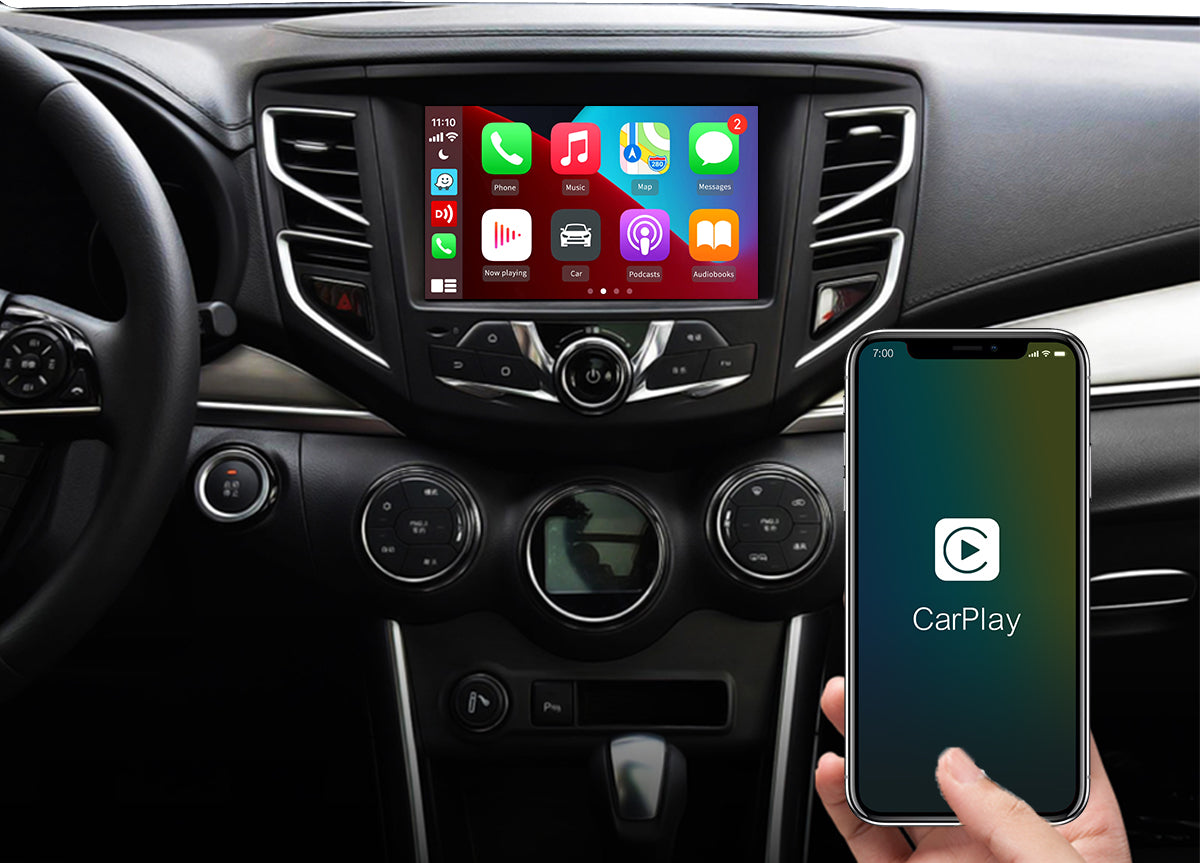
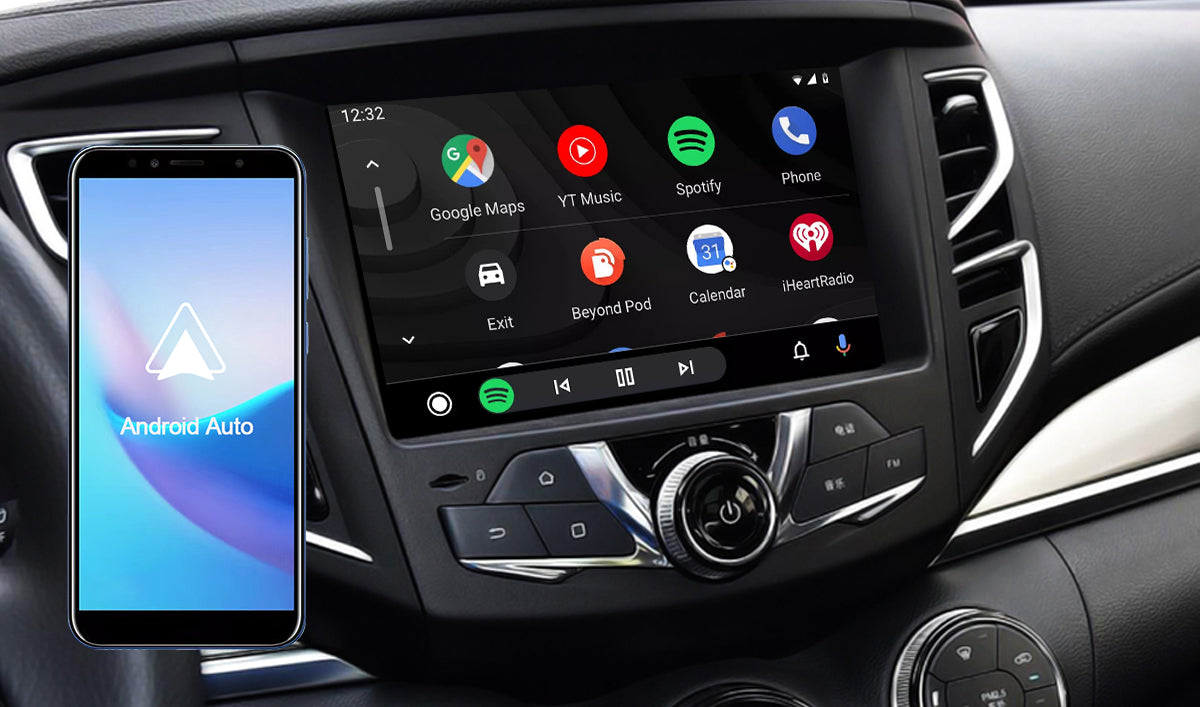
✅ Android Auto اللاسلكي
اربط هاتف الأندرويد الخاص بك بالمركبة. اكتشف الطريقة الآمنة لاستخدام التطبيقات على هاتف الأندرويد عن طريق ربط الهاتف بالمركبة.
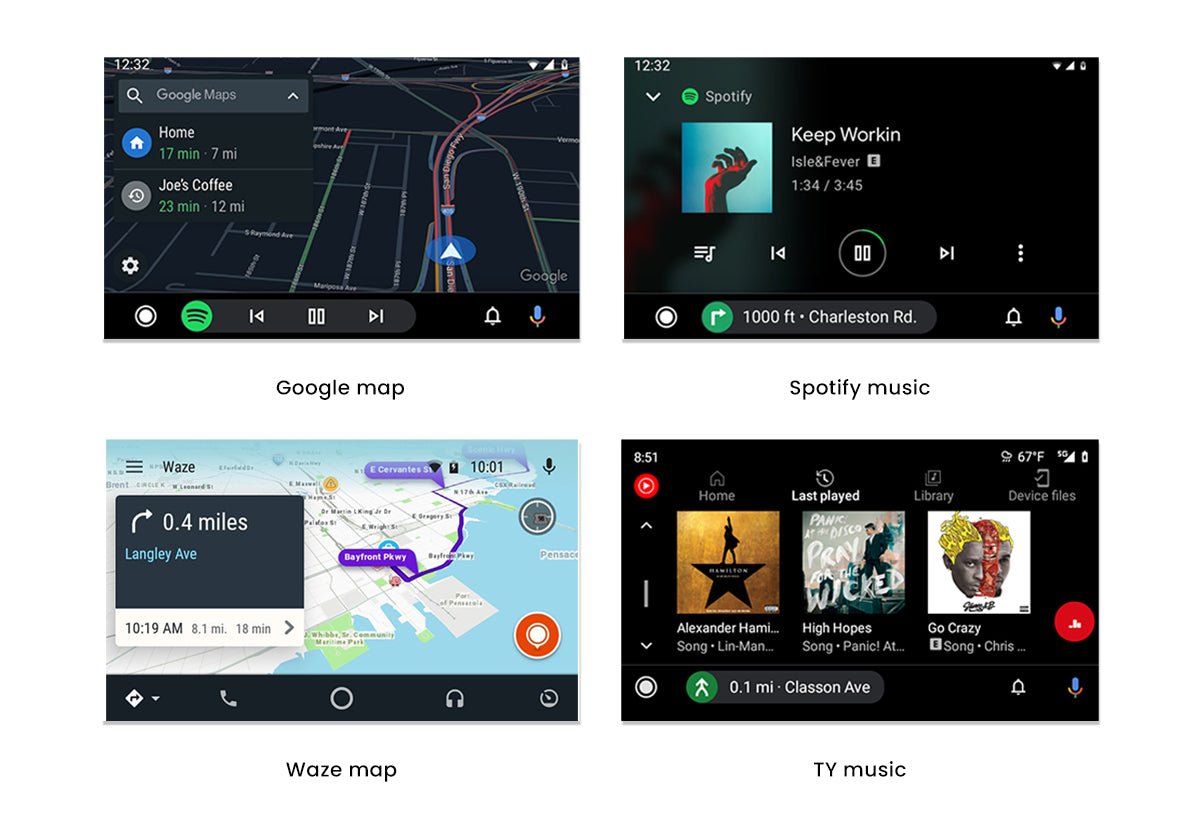
✅ وداعًا لحاملات الهواتف
قم بترقية الوحدة الرئيسية للأندرويد اللاحقة باستخدام CPC200-CCPA. يسمح لك باستخدام تطبيقات الملاحة والموسيقى على شاشة السيارة دون الحاجة إلى لمس الهاتف.
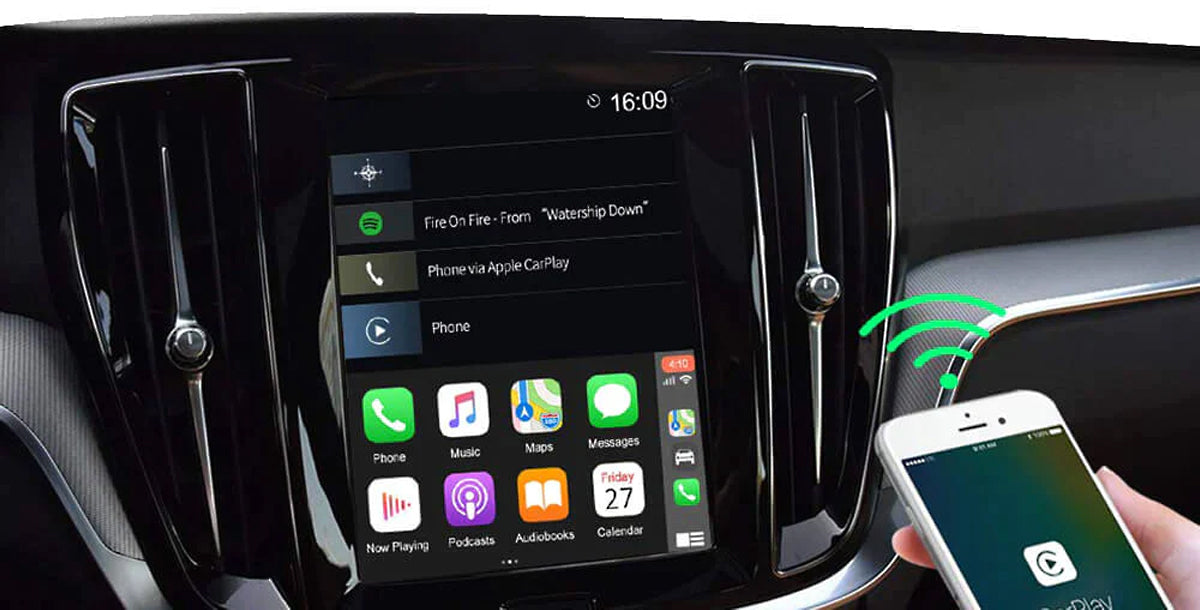
✅ الاتصال التلقائي
بعد الاتصال الأول، سيقوم الجهاز بتوصيل الهاتف تلقائيًا عند تشغيل السيارة.
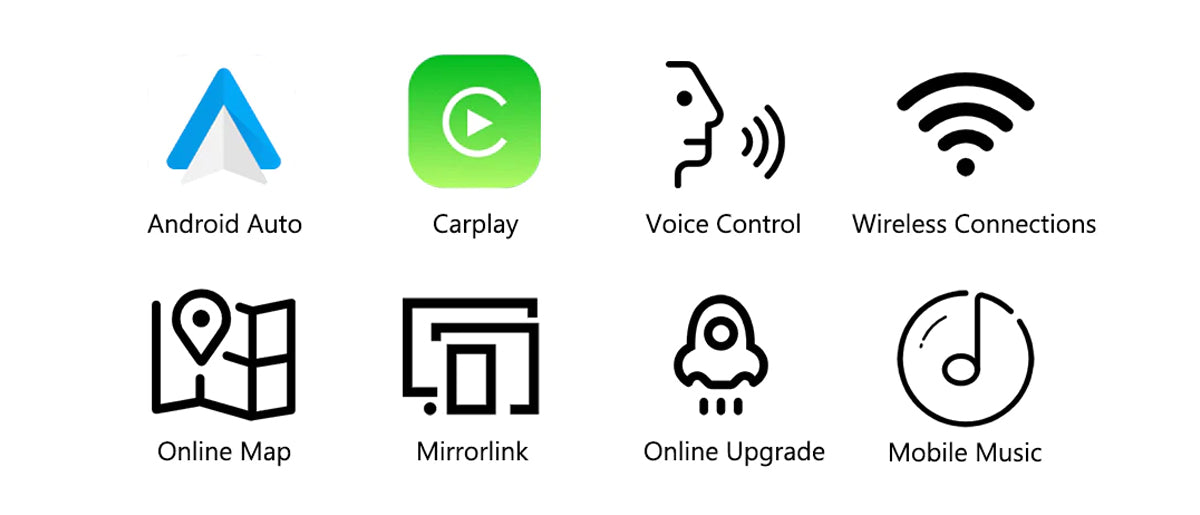
✅ ميزات إضافية
✅يتوفر Dongle Autokit بإصدارين لاختيارك.
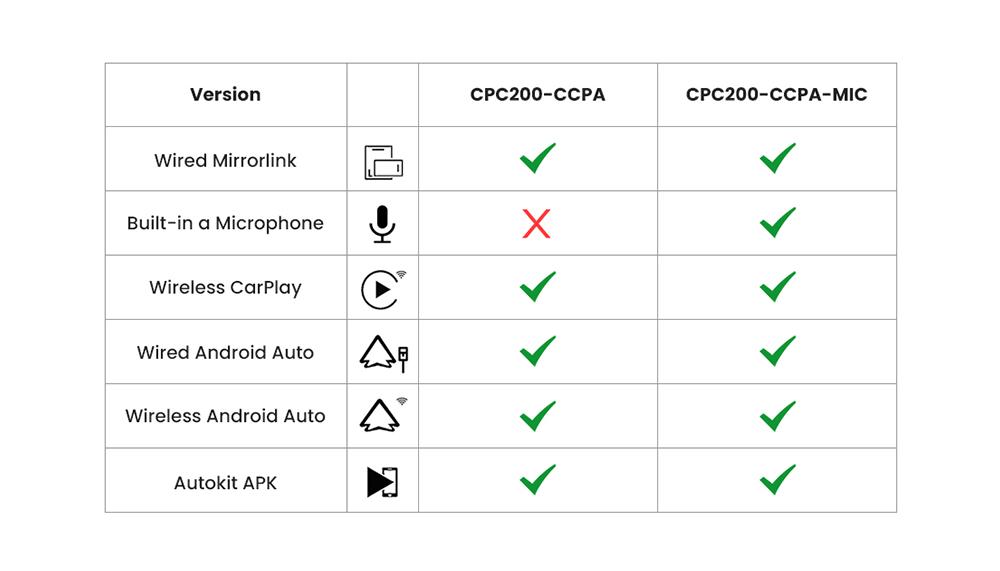
ملاحظة :
1. إذا كنت تستخدم CarPlay و Android Auto في وحدة رئيسية للأندرويد لاحقة، فيمكنك استخدام هذا CPC200-CCPA. تم تصميمه خصيصًا للوحدات الرئيسية للأندرويد ومناسب لإصدارات نظام Android 4.4+ وأحدث.
2. ليعمل CPC200-Autokit/ CPC200-CCPA بكامل وظائفه، مطلوب تثبيت ملف 'AutoKit.apk' على الوحدة الرئيسية للأندرويد. إذا لم تتمكن من تثبيت ملف APK هذا، فلن يعمل المنتج كما هو مطلوب.
3. إذا كنت تستخدم آيفون، ومركبتك تدعم CarPlay السلكي أو إحدى هذه الوحدات الرئيسية اللاحقة (Alpine/ Pioneer/ Kenwood...)، فيمكنك اختيار 👉 Carlinkit U2W Plus (3.0/ 4.0).
4. إذا كنت تحب استخدام تطبيقات مثل Netflix أو YouTube في السيارة، فمن المستحسن اختيار 👉Tbox Plus (نظام أندرويد 13.0 كامل) أو Tbox Max. يغطي نطاقًا أوسع من الوظائف ومتوافق مع آيفون والهواتف الذكية التي تعمل بنظام أندرويد.
كيفية استخدام هذا المحول USB Carlinkit؟

مواصفات CPC200-CCPA:
| الموديل | CPC200-CCPA |
| المعالج | Atmel AT91SAM9260 |
| وحدة WiFi | Realtek 8822BS/Broadcom 4354S |
| مدخل الطاقة | 5V±0.2V⎓1.0A |
| استهلاك الطاقة | 0.75W |
| تردد WiFi | 5150-5250MHz، 5725-5850MHz |
| تردد البلوتوث | 2412-2472MHz |
| الهوائي | هوائي FPC مدمج بكسب 3 dbi |
| المادة | ABS+PC |
| اللون | أسود |
| المعالجة السطحية | مات |
| طريقة الضغط | الصب بالموجات فوق الصوتية |
| الآيفون المتوافق | آيفون 6 أو أحدث، iOS 10 أو أحدث |
| هاتف الأندرويد المتوافق | أندرويد 9.0 أو أحدث، بعض الهواتف تتطلب أندرويد 11.0 أو أحدث |
| السيارة المتوافقة | إصدارات نظام أندرويد 4.4 وأحدث |
| الدقة | قابلة للتعديل (تحافظ على دقة البروتوكول الأصلي) |
| اللغة | التغيير التلقائي وفقًا للغة بيئة السيارة |
| المنافذ | مؤشر LED، منفذ USB أنثى، قابس USB ذكر |
| حجم المنتج | 185×42×13mm |
| أبعاد العبوة | 230×90×35mm |
| وزن المنتج | 0.04kg |
| الوزن الإجمالي للعبوة | 0.08kg |
| قائمة محتويات العبوة | صندوق تعبئة *1، منتج *1، دليل المستخدم *1 |

FAQs
Your car screen system is Android version because the Android system can install any app. including the "Autokit app".
(Install the Autokit app in the car; this is a prerequisite for using this product.)
1. Please make sure your car is Android 4.4 and above system.
2. Download the AutoKit application, and enter settings > environment testing. If all three options are displayed with “√”,
3. Your car can use a dongle.
Note: Not applicable to Aftermarket Head-Units Pioneer, Alpine, Kenwood!! Choose another product—Carlinkit USB Wireless Adapter Dongle for Wired CarPlay.
It supports iPhone 5 and above systems, like IOS 10 or more.It supports Android Auto feature phones.
Note: if your iPhone is iOS 5+ or above, please update AutoKit.apk to the latest version.
For the car having Android Navigation stereo, you can plug the dongle into your car USB port directly after installing the AutoKit on the car screen, and then connect the iPhone with the dongle and click AutoKit to go to the CarPlay interface.
For the car not having an Android Navigation stereo, you can plug the dongle into your Android Tablet after installing the AutoKit on the tablet(You should use a USB Adapter to keep the dongle from charging), then connect the iPhone with the dongle and click AutoKit to go to CarPlay interface.
Note: It's similar to Android Auto.
Please click here to download Autokit APK
Method 1: Download the APK on Car Browser.
1. Click the browser on the car, enter the URL, and download APK. (Your car must Connect to the Network.)
2. Click the “Download Directory” to find the downloaded APK file, then install it.
Method 2: Download the APK on your computer, copy it to a USB flash drive, and install it.
1. Enter the URL on your computer browser, download the APK, and copy it to a USB flash drive.
2. Insert the U disk into the USB interface of the car, find the U disk directory in the “File Manager”, then install it.
1. Insert the CarPlay Dongle into your car.
2. Turn on the Wifi and Bluetooth.
3. Searching the Bluetooth and then entering the pin (0000).
1. Upgrade APK:Unplug the dongle first, then enter the APK settings, find the "check upgrade" button, and you will see the prompt for the latest version. Then click update and the APK is updated.
2. Upgrade dongle:Plug in the dongle to the car, then enter the APK settings and find "check to upgrade", you will see the latest box version, and then click Update.
Upload log function: If there are still some minor problems after upgrading to the latest version, please upload the log. It will collect your use problems that occur when using Carplay. Our engineers will research the solution and add it to the next upgrade version so that we have the opportunity to solve this problem.
337 Excellent Reviews
